Custom Kitting Solutions
Read Case Study
Menu version control is the system that determines whether 80 locations print from the same approved file or 80 slightly different ones. Most multi-location brands understand that controlling menu versions matters in theory. Fewer have identified the specific line items it affects in practice.
The pace of change makes this more urgent than it was five years ago. Technomic senior principal Donna Hood Crecca reported at the 2026 National Restaurant Association Show that limited-time offers across restaurants increased 134% over the past five years (Technomic, NRA Show 2026). Core menus at full-service chains grew 13% since 2021 (Technomic, NRA Show 2026). Each update creates a new version of the menu file. Each new version needs to reach the right locations on the right timeline, in the right format.
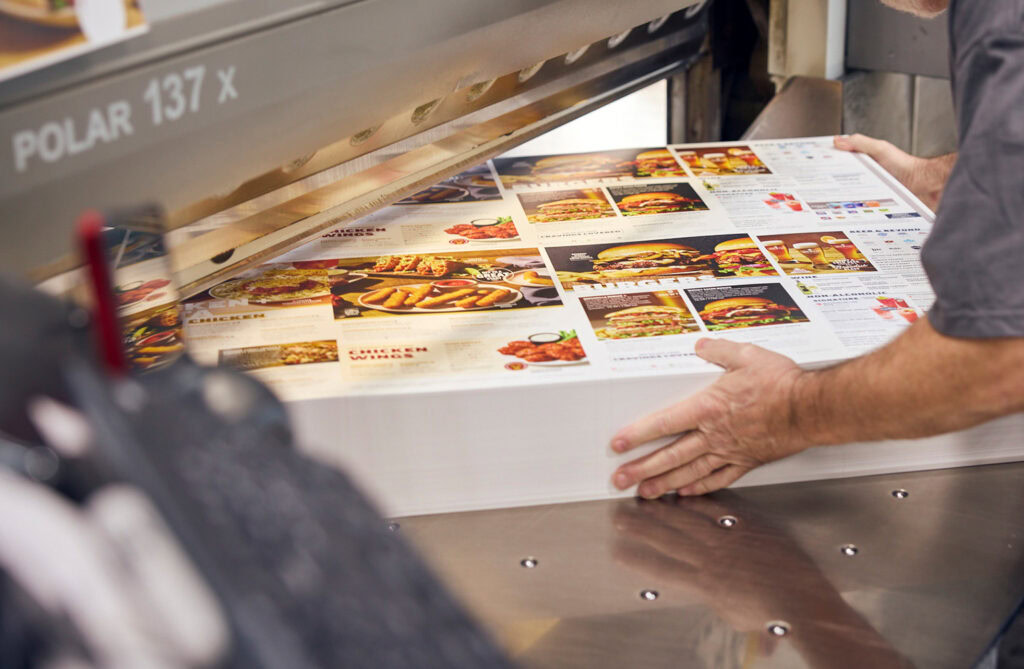
Version control ensures that every location prints from the same approved file on the same timeline, eliminating the most common source of LTO rollout failures.
A limited-time offer has a start date, an end date, and a specific menu insert or panel that goes with it. When a brand runs an LTO across 80 locations, the file that reaches each location’s printer needs to be identical. Without version control, the process usually involves emailing a PDF, hoping every manager downloads the right one, and trusting that nobody accidentally prints last quarter’s file.
That trust breaks regularly. A regional manager forwards an outdated attachment. A location pulls a file from a shared drive that was never updated. The result is locations running mismatched promotions, printing inserts with wrong pricing, or missing the launch date entirely.
Version control eliminates this by designating one approved file as current and locking previous versions from distribution. When the file lives in a centralized system, the question shifts from “did you get the right file?” to “the right file is the only file available.” That distinction matters most during seasonal rotations and promotional windows, when speed and accuracy directly affect revenue.
Pricing transitions without version control create a window where different locations display different prices for the same item, eroding guest trust and exposing the brand to complaints.
The TouchBistro 2026 State of Restaurants Report found that 68% of restaurants increased their menu prices in 2025 (TouchBistro, 2026). For a multi-location brand, a price increase is not one change. It is the same change executed separately at every location, across printed menus, table tents, in-store signage, and digital displays. The transition window between old pricing and new pricing is where errors live.
Without a version-controlled system, some locations reprint early, some late, and some not at all until a guest points out the discrepancy. When a price change coincides with a menu redesign, the number of active file versions multiplies. Two locations can both be serving current food at incorrect prices because each printed from a different draft.
Version control compresses that transition window by giving every location access to the approved file simultaneously and creating a clear cutover point. Old versions are archived, not deleted, so there is an audit trail without the risk of accidental reuse.
Allergen and nutritional information on printed menus must match what the kitchen is actually serving, and version control is the mechanism that keeps those in sync across every location.
When a recipe changes, the allergen profile may change with it. A supplier substitution, a reformulated sauce, or a new prep method can introduce or remove an allergen. That change needs to appear on every printed menu at every location before the updated dish reaches a guest’s table.
Manual tracking makes this nearly impossible to verify at scale. A brand with 100 locations cannot call each store to confirm which version of the allergen panel they printed. A centralized version control system solves this by tying the current menu file to the current allergen data so the two cannot fall out of sync. When the recipe updates, the menu file updates. When the menu file updates, every location accesses the same corrected version.
This is not a convenience feature. It is a liability reduction tool. Printed menus that list inaccurate allergen information create legal exposure and, more importantly, real safety risks for guests with dietary restrictions.
Wrong-file reprints are one of the least visible and most preventable expenses in multi-location menu management, and most brands never track them as a separate line item.
When a location prints 300 menus from an outdated file, those menus are waste. The paper, ink, labor, and shipping are spent twice. Multiply that across several locations making the same mistake during a single rollout, and the cost becomes material. Most brands do not track this separately because the reprints get absorbed into the general print budget. The problem looks like higher printing costs rather than what it actually is: a process failure.
Version control prevents wrong-file reprints by making the outdated file inaccessible. A location cannot print from a superseded version because the system no longer offers it as an option. This is the simplest version of the value proposition: you pay to print your menus once, not twice.
For brands already working with a centralized menu management software platform like MenuNet®, this protection is built into the workflow. The current file is the only file available for production, and prior versions are archived with a clear audit trail. The print order always references the right version.
If your brand’s menu updates still involve emailing PDFs and hoping every location opens the right one, the cost of that process is already in your print budget. You just have not separated it out yet.
Emailing a PDF relies on every recipient opening, saving, and printing the correct file every time. Version control removes that dependency by making the current file the only one available for production, so there is no manual step where the wrong version can get through.
Version control applies to any format tied to the approved menu file, including table tents, inserts, and in-store signage alongside printed menus. Digital displays pulling from the same centralized file update on the same timeline, so pricing and promotions stay consistent across every format a guest sees.
Prior versions are archived, not deleted. That keeps a clear audit trail for compliance or dispute purposes, while making sure archived files cannot be pulled into production by accident once a newer version becomes current. This gives brands a record of what each location printed and when.